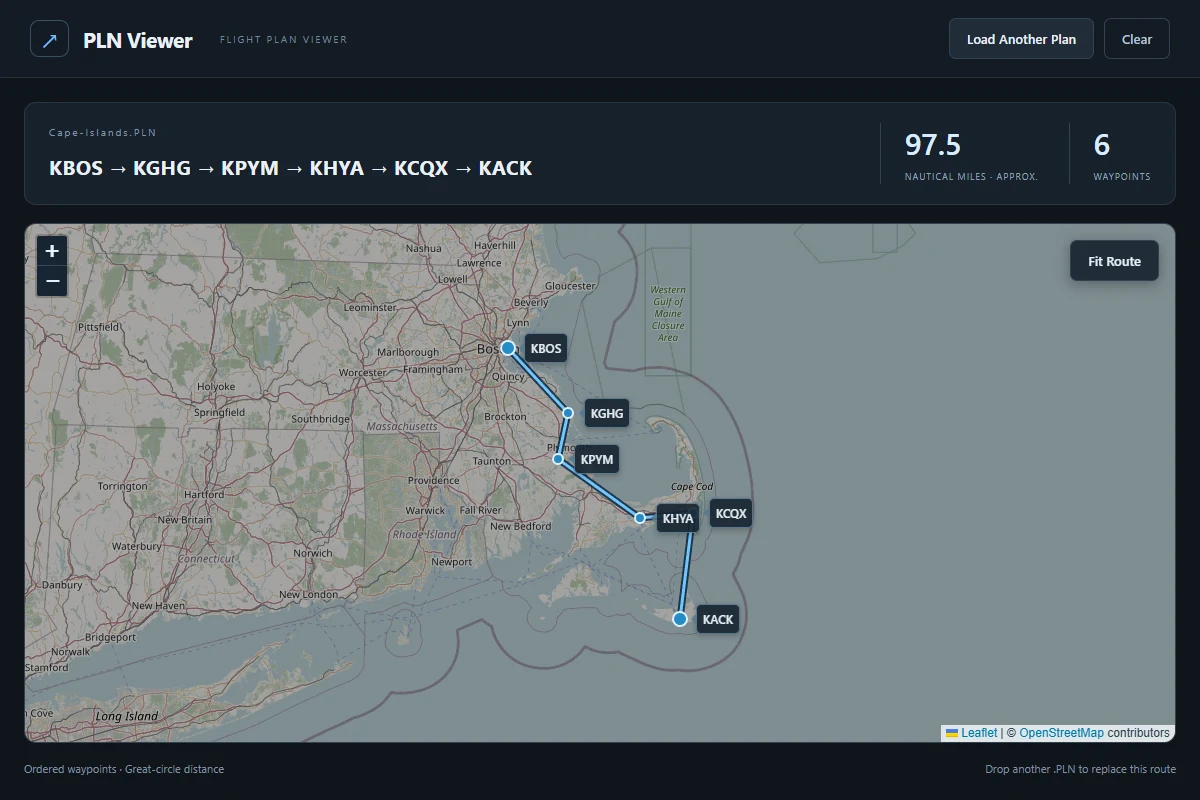
Drop a Microsoft Flight Simulator .PLN onto an interactive route map. Inspect waypoint order, individual legs, and approximate distance in nautical miles.
Windows 10 or 11 x64 and Microsoft Edge WebView2 Runtime. Bundled Visual C++ DLLs and static SimConnect client.
Extract the entire portable ZIP into a new folder. Keep the three DLLs beside pln-viewer.exe and launch it. Drop a .PLN into the window or choose Browse for Flight Plan. Use Fit Route to see the whole route.
0.3.0 portable packages the runtime DLLs and notices, uses default local SimConnect discovery, and retries unresolved plans while the viewer stays open. Five supplied flight plans completed in the desktop app. Clean-machine installer QA remains pending.